Ubuntu certified Lenovo laptop
Introduction
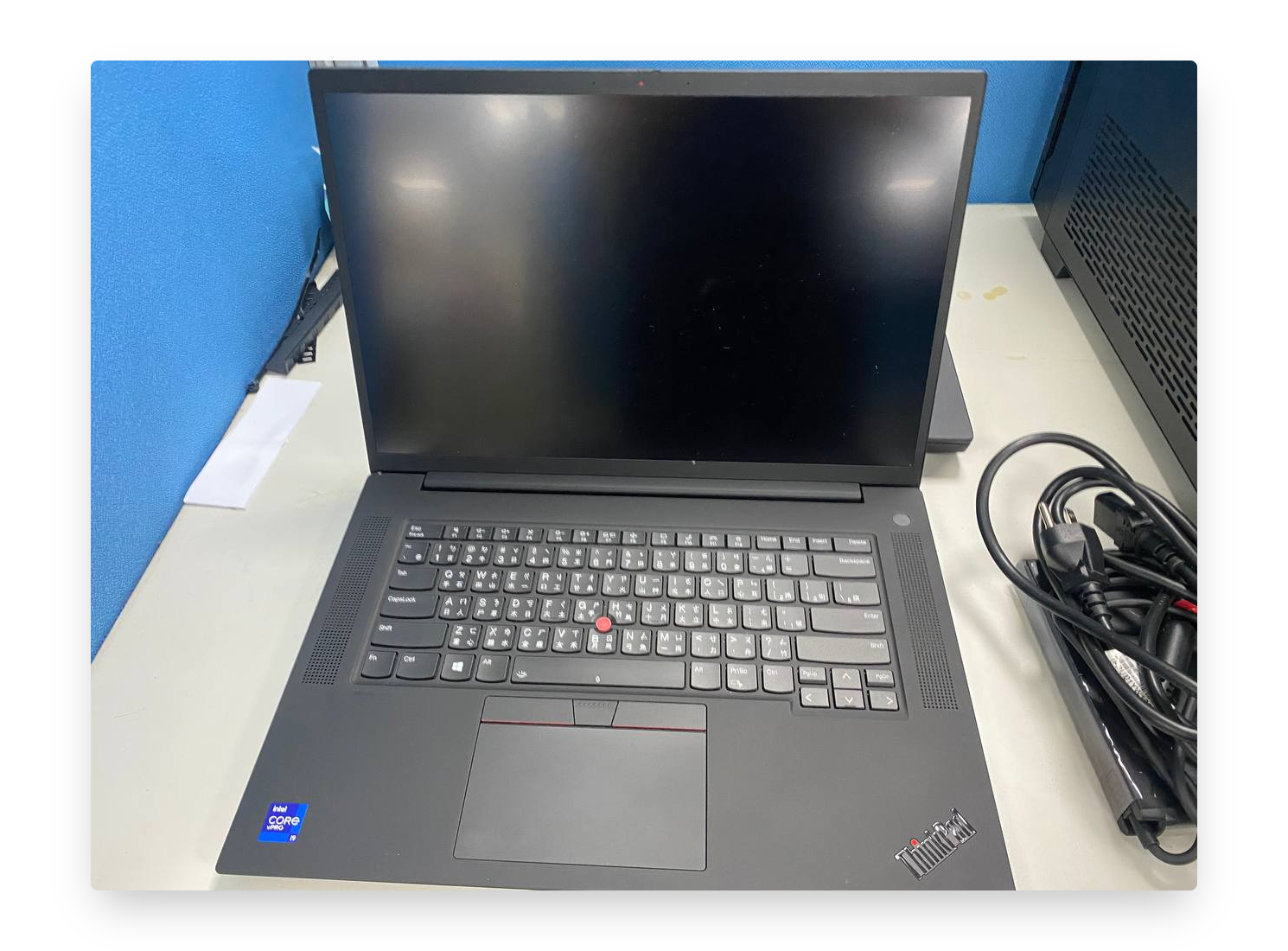
In this post, the device is P1 G4 of Lenovo and it is in the list of Ubuntu-certified laptops.
We are going to install the Ubuntu and erase the Windows system on P1 Gen4.
Spec Description
- GPU: NVIDIA Quadro RTX A5000 Laptop (16GB video memory)
- CPU: i9-11950H @ 2.6GHz 2.61GHz (16 cores)
- RAM: 16+16GB
- Screen Size: 15.6 inches FHD
- M.2 1TD SSD
- Intel wireless
- Fingerprint
- 230W AC adapter
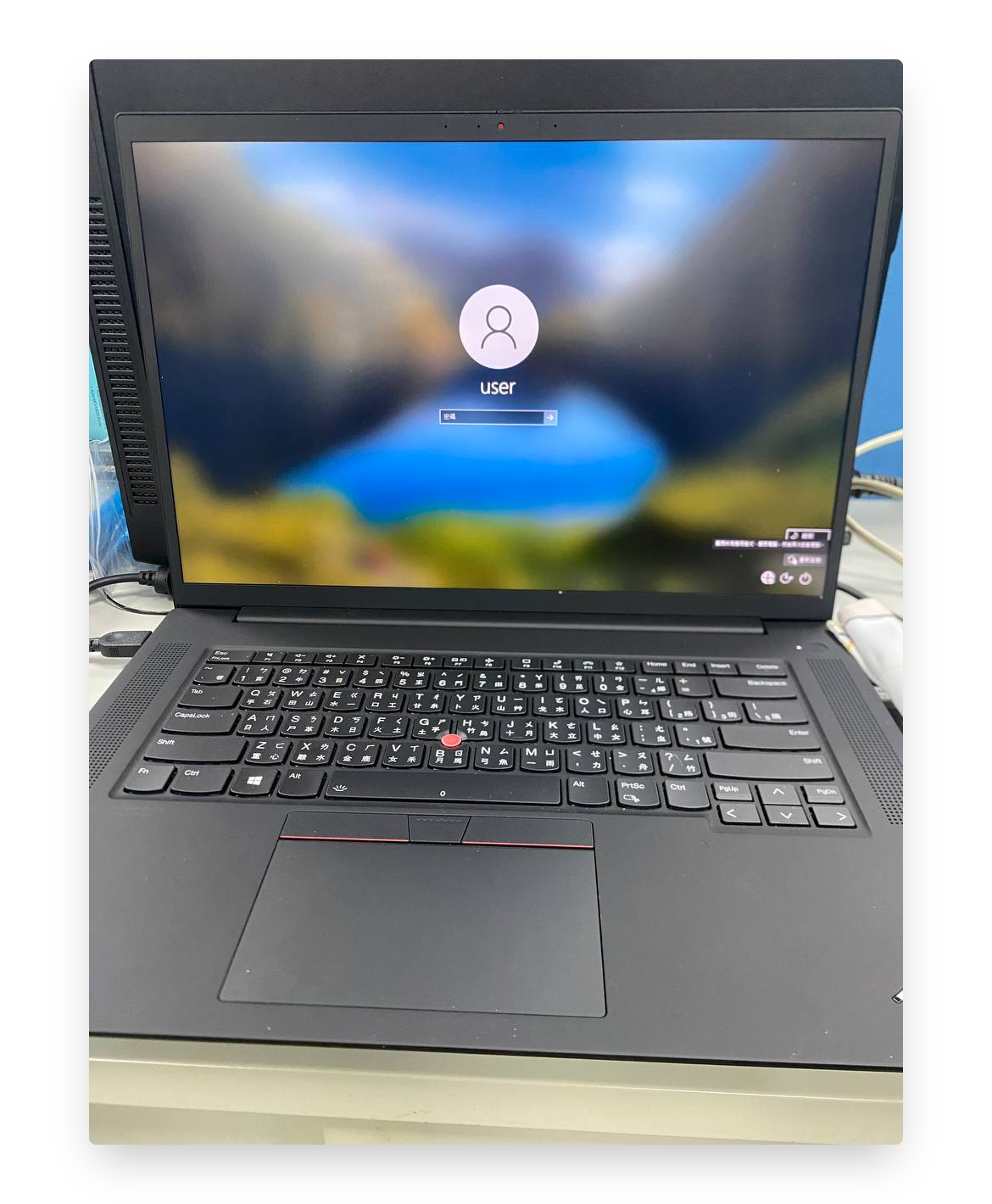
Boot by USB
- Enter to BIOS area (Press F1)
- Choose "Startup"
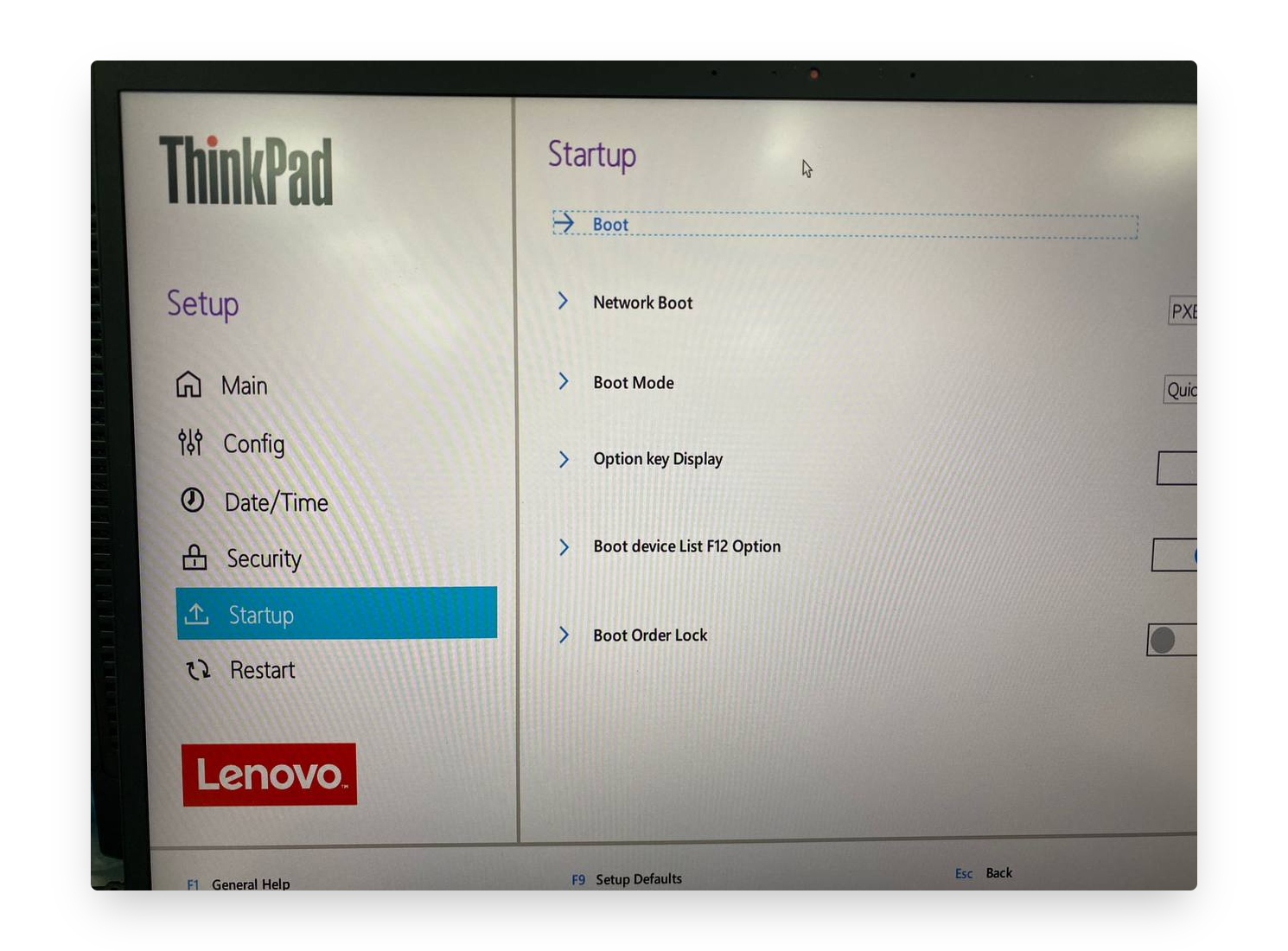
- Choose "Boot"
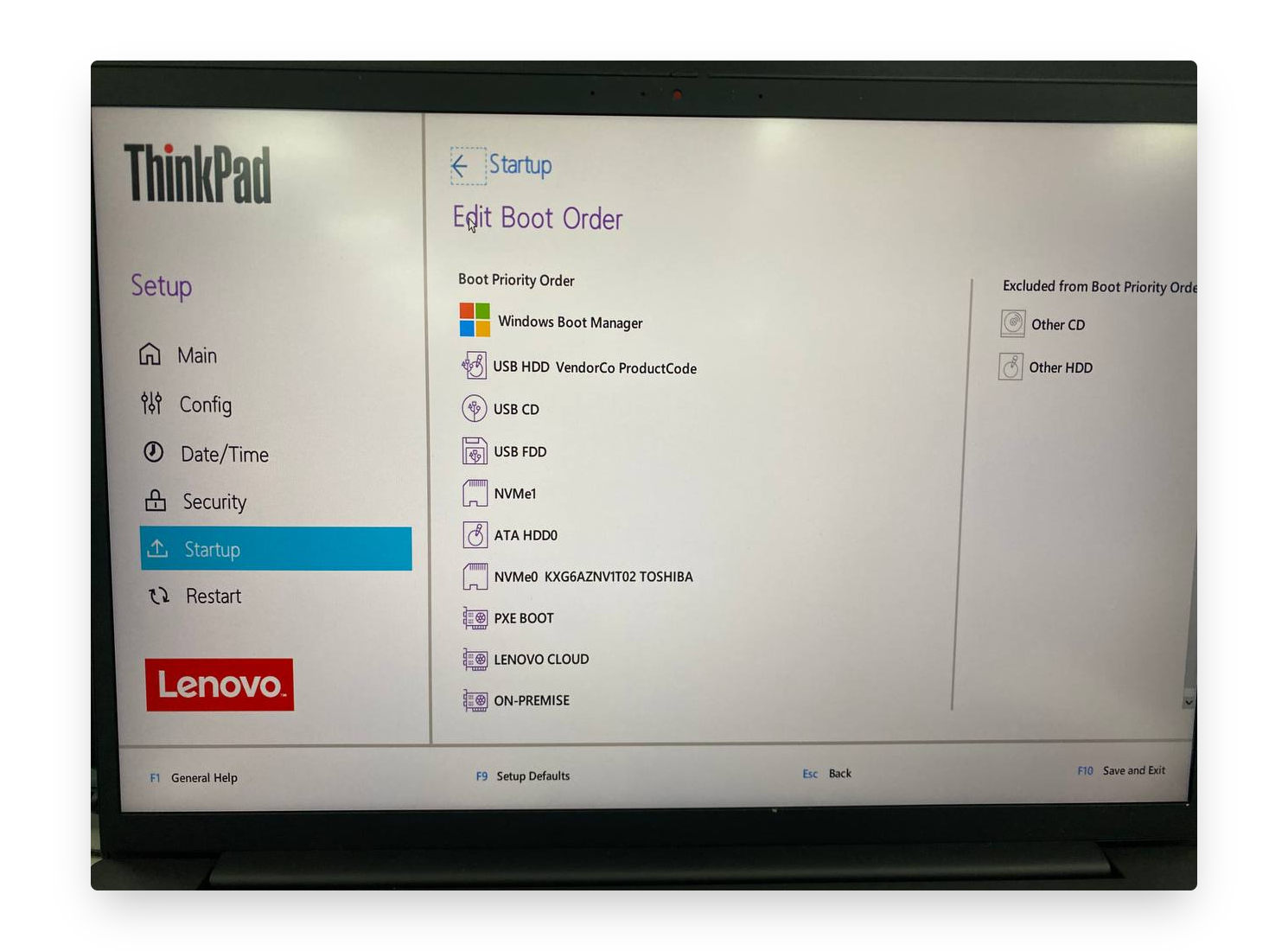
- Because I use USB, please move the USB HDD VendorCo ProductCode to the toppest one.
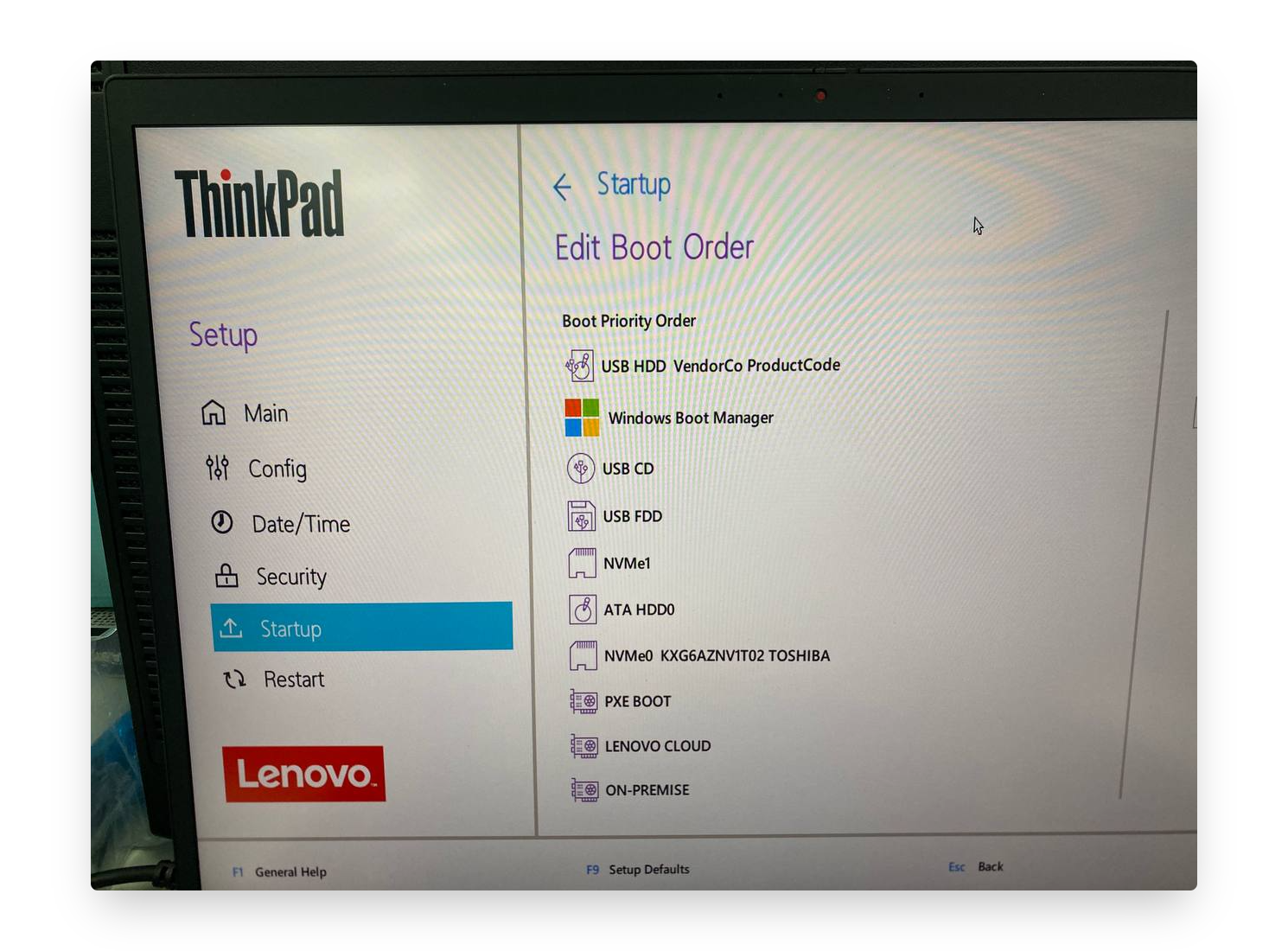
- F10 to save and exit.
Start to install Linux Ubuntu OS 20.04
After reboot, choose the Ubuntu.
Start to install
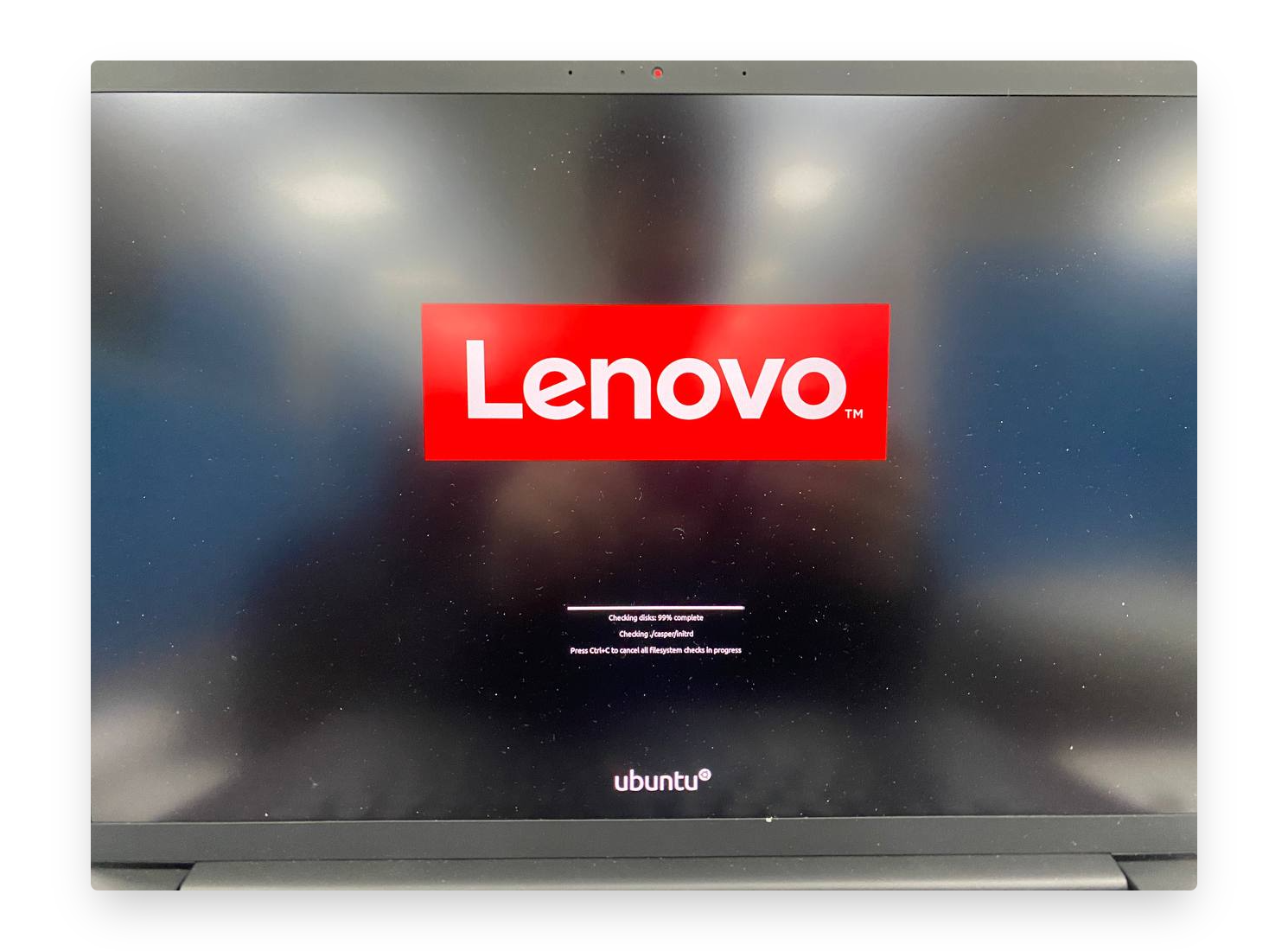
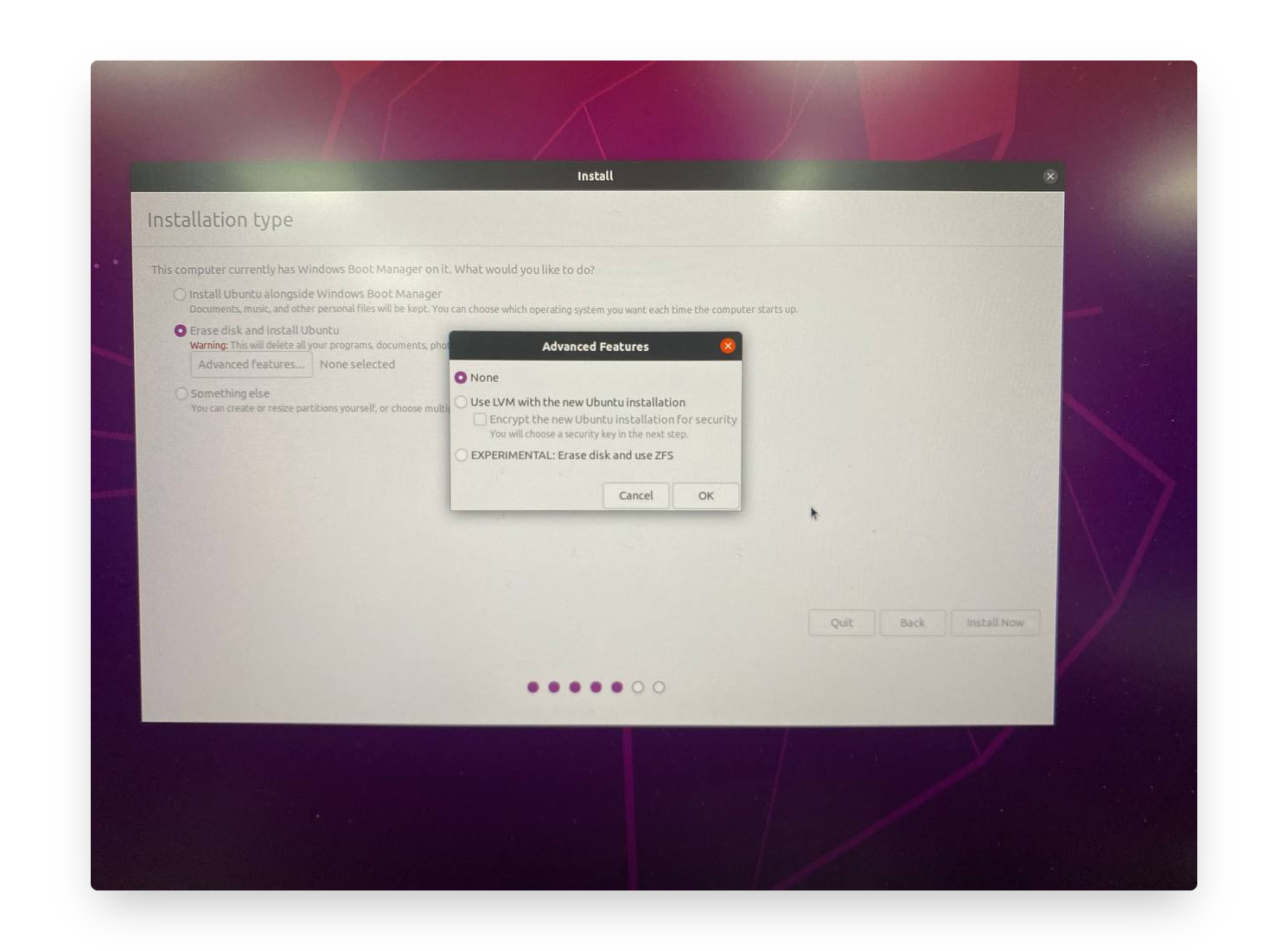
Follow the options as usual.
Install type: choose Erase disk and install Ubuntu. And then no need to use LVM mode.
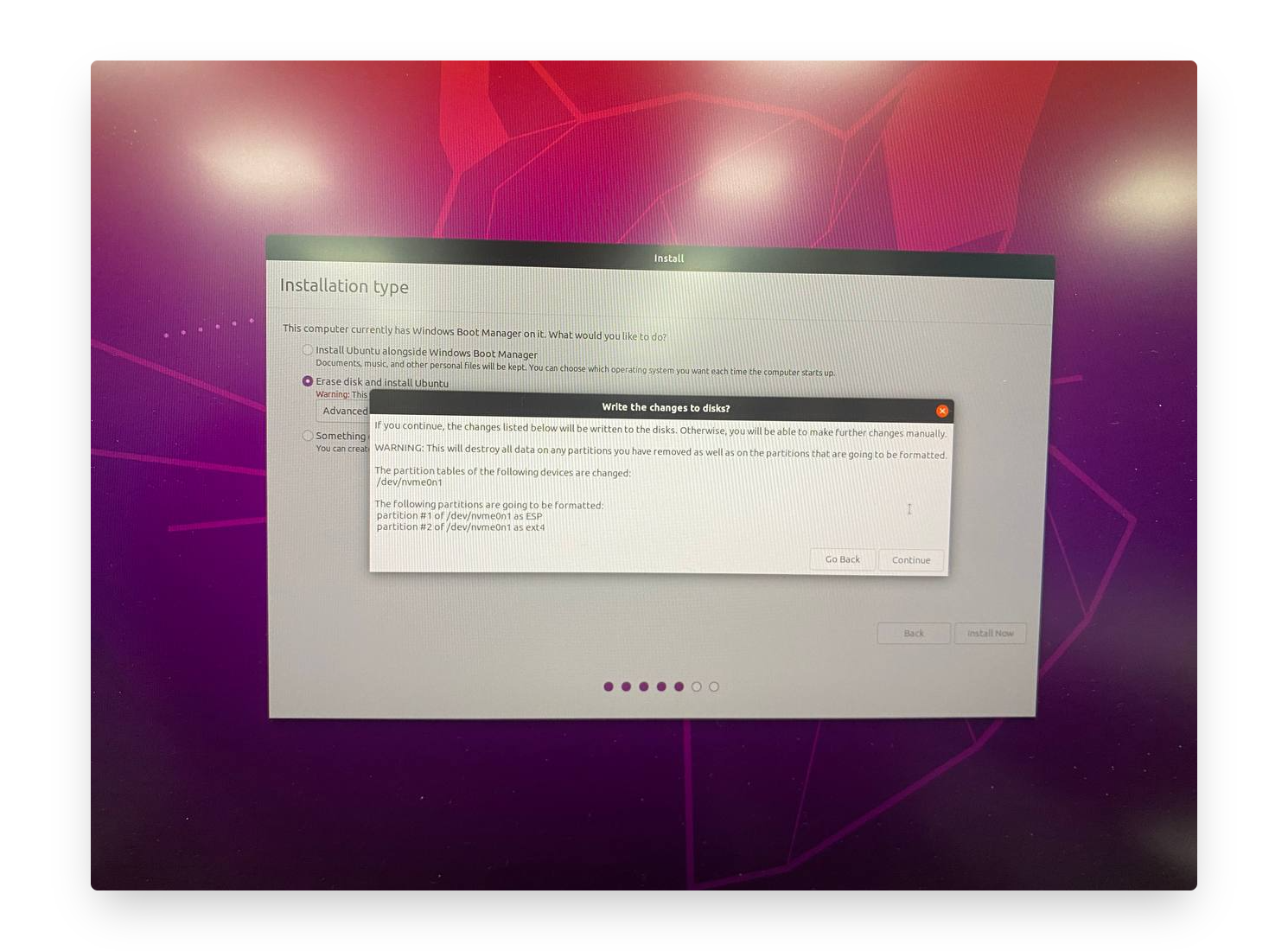
Keep going to the next page.
Done.
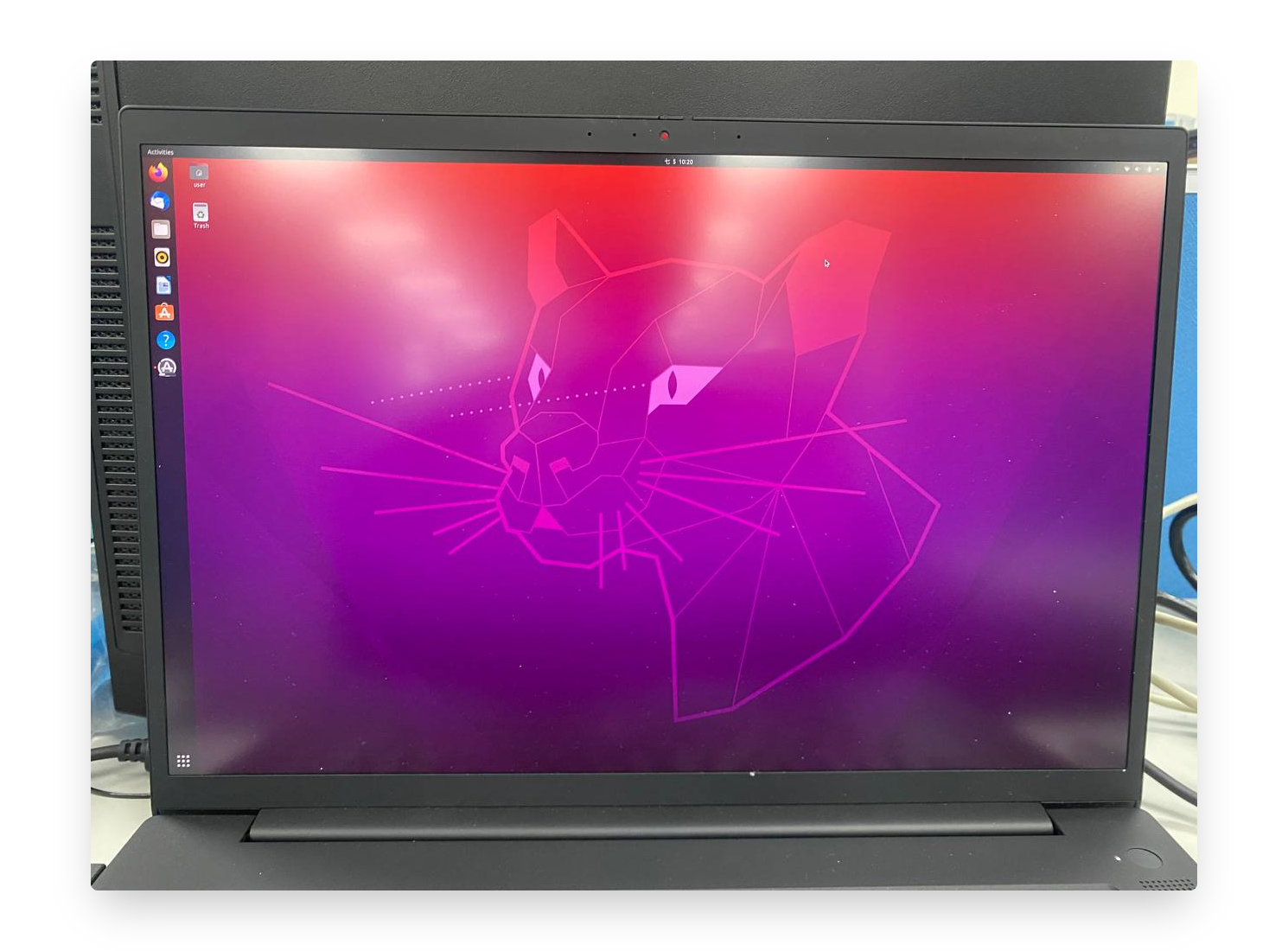
Check GPU
I am so surprised that after I installed the Ubuntu and upgraded / installed some relevant packages from Ubuntu UI function, it already helped me to install the GPU driver automatically. I even did not install the GPU driver particularly such as using UI operating to install or using command line.
So I think it is still a little bit different with other laptops that it can reduce a lot of bugs or unexpected issues during installing the NVIDIA GPU driver.
➜  ~ nvidia-smi
Tue Jul  5 11:36:06 2022
+-----------------------------------------------------------------------------+
| NVIDIA-SMI 515.48.07    Driver Version: 515.48.07    CUDA Version: 11.7     |
|-------------------------------+----------------------+----------------------+
| GPU  Name        Persistence-M| Bus-Id        Disp.A | Volatile Uncorr. ECC |
| Fan  Temp  Perf  Pwr:Usage/Cap|         Memory-Usage | GPU-Util  Compute M. |
|                               |                      |               MIG M. |
|===============================+======================+======================|
|   0  NVIDIA RTX A500...  Off  | 00000000:01:00.0 Off |                  N/A |
| N/A   46C    P0    N/A /  N/A |     10MiB / 16384MiB |      0%      Default |
|                               |                      |                  N/A |
+-------------------------------+----------------------+----------------------+

+-----------------------------------------------------------------------------+
| Processes:                                                                  |
|  GPU   GI   CI        PID   Type   Process name                  GPU Memory |
|        ID   ID                                                   Usage      |
|=============================================================================|
|    0   N/A  N/A      1063      G   /usr/lib/xorg/Xorg                  4MiB |
|    0   N/A  N/A      1641      G   /usr/lib/xorg/Xorg                  4MiB |
+-----------------------------------------------------------------------------+
Troubleshooting
- Disable the sound when you press the backspace.
- Open the file
/etc/inputrc - Change
#set bell style nonetoset bell style none
- Open the file
P15 Gen2
The other lenovo device is P15 Gen2
I found this P15 screen was very interesting...
Comparison of Spec
| Item | P1 Gen4 | P15 Gen2 |
|---|---|---|
| Graph | | 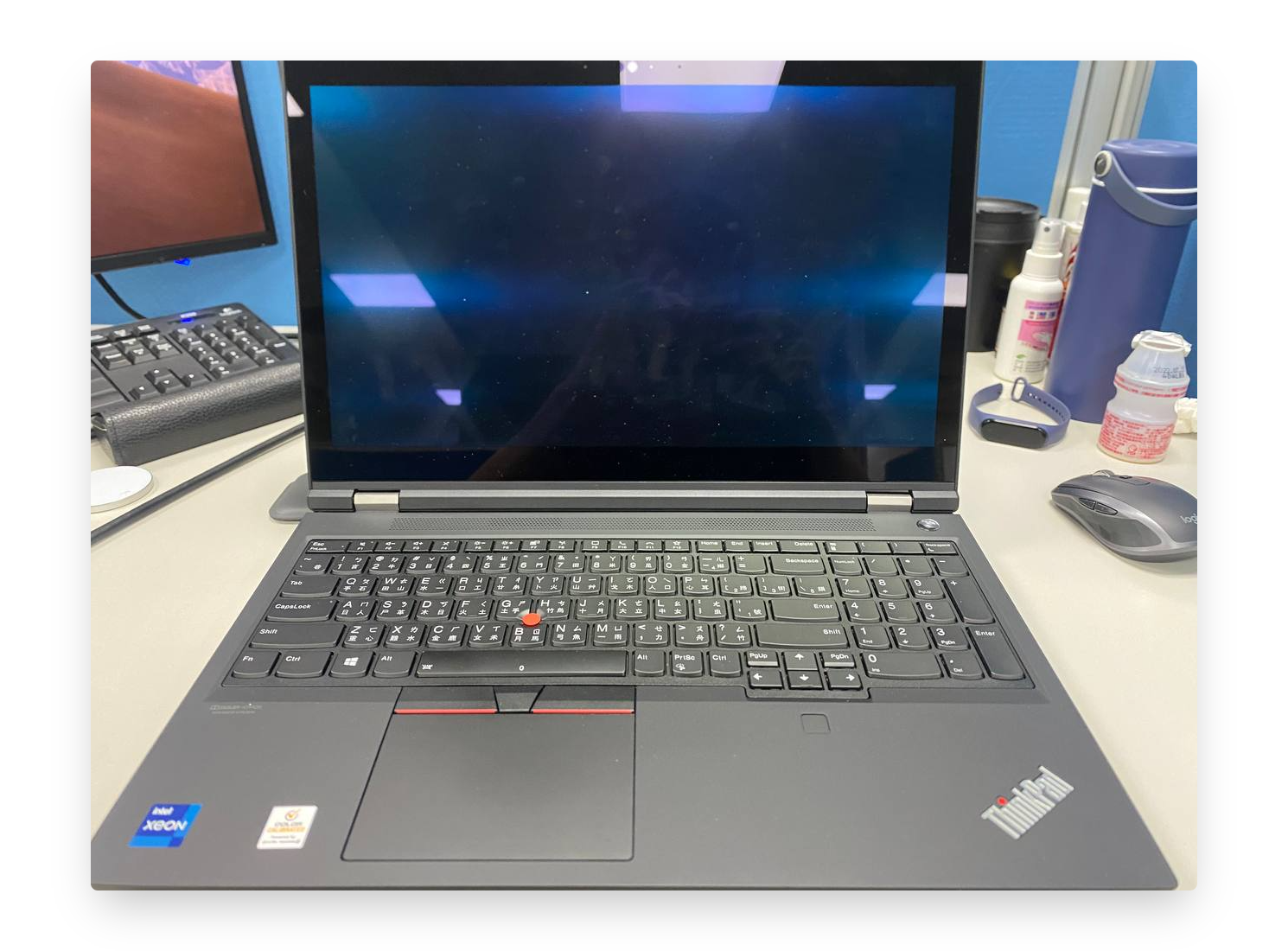 |
| GPU | NVIDIA Quadro RTX A5000 Laptop (16GB video memory) | NVIDIA Quadro RTX A4000 Laptop (8GB video memory) |
| CPU | i9-11950H @ 2.6GHz 2.61GHz (16 cores) | Intel(R) Xeon(R) W-11855M @ 3.20GHz 3.19 GHz (12 cores) |
| RAM | 16+16GB | 16+16GB |